The Quarterly Activities Report and Appendix 5B are the same process four times a year, and each one has to sit in line with the last. Most of what keeps them consistent lives in your head and is rebuilt by hand every quarter. StoriBot makes the repeatable part repeatable, and leaves you the part that was always yours.
If you came here from a card, kettle on: the video is a few minutes, and the rest of this page is what to do after it.
What the video shows
One quarter, drafted from a listed company's own announcements. Watch for four things:
- The announcements lodged during the quarter, read in as sources rather than summarised.
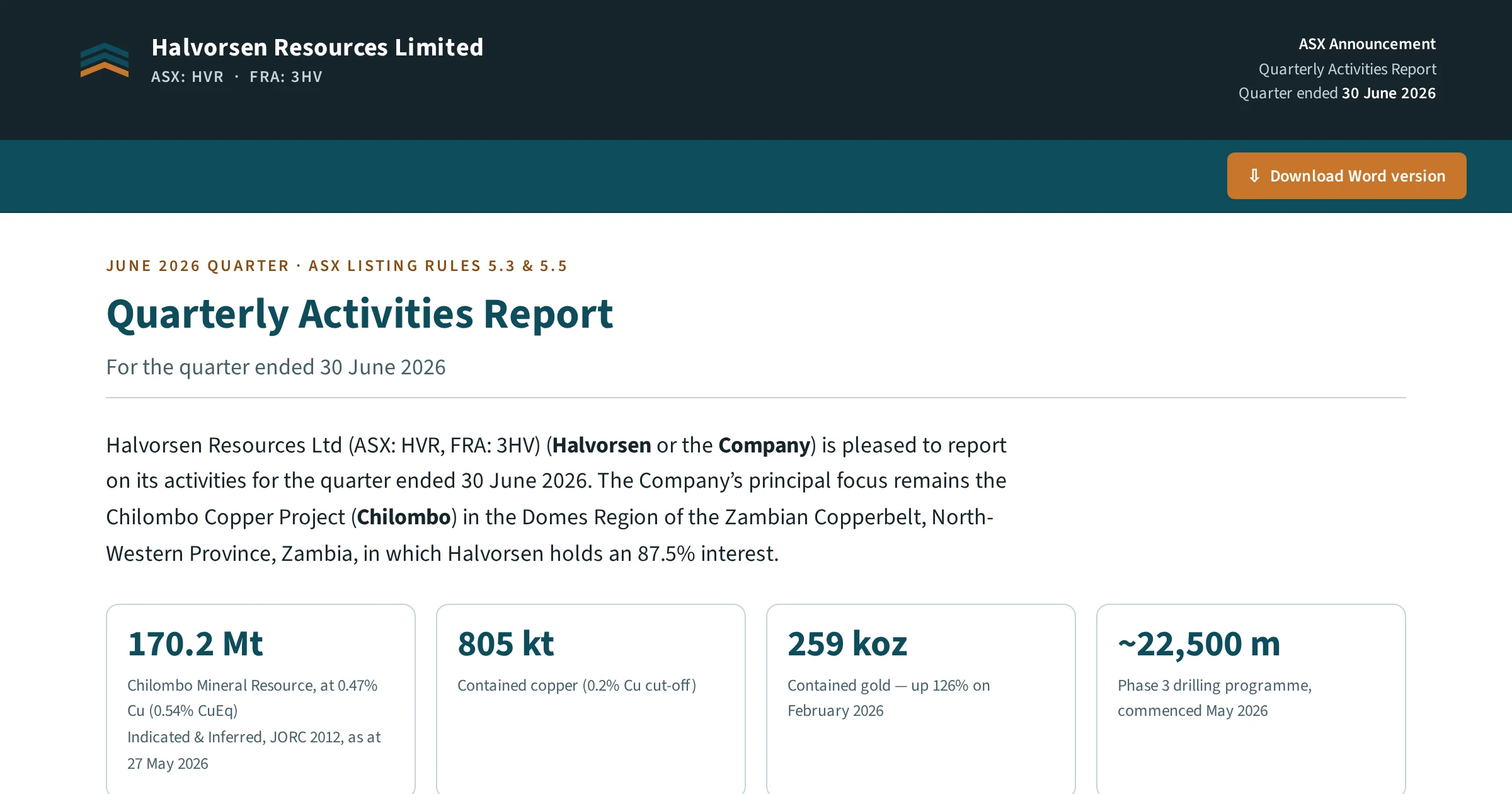
- The first draft on the page, in that company's structure, with the activities section written and every figure carrying a chip back to the announcement it came from.
- The Chair's and MD's quotes, drafted in their own voice, with the Appendix 5B placeholders marked beside them.
- An edit asked for in plain words, then the Word file downloaded in the company's own template.
Give it the quarter's announcements
There are three ways in, and each one works. Ask StoriBot to find the quarter's announcements itself; they are public on the ASX platform, so there is nothing to connect. Upload the files. Or connect the Dropbox or OneDrive folder you already keep them in. Either way, it reads each announcement the way an analyst would, whether it is a set of drilling results, a tenement change, a placement or an appointment, and keeps each one as a source you can open from the draft.
If your finance system is connected, the cash figures that feed the 5B come from there too. If it is not, they stay as placeholders for your CFO.
Ask for the draft, then walk away
Trigger it and go and do something else. Depending on the model you chose and how much it has to fetch and extract, the draft takes ten to thirty minutes. Come back and it is a page, not a file: activities written, every figure one click from the announcement it came from, 5B placeholders marked. Read it there. Where it is wrong or flat, say so in plain words and ask again. It is a first draft, and it is labelled as one.
The quotes, in their own voice
We recommend a voice file for the Chair, the MD or CEO, and anyone else who writes directly into the quarterly: a short brief on how each of them writes, built from things they have already signed. StoriBot then drafts their quotes from the quarter's actual events, in that voice, so they are editing a paragraph that already sounds like them rather than starting from a blank slot. What they think about the quarter is still theirs to add. That was always the part with their name on it.
Finish it the way you do now
When the page reads right, download the Word file in your own template. From here you are in the flow you already run: track changes, the board, the lawyers, the IR firm, lodgement.
Once it is lodged, bring it back. For the first few quarters we recommend loading the lodged version into StoriBot, so it learns what you kept, what you cut and how you say things. Keep one StoriBot workspace for your quarterlies, so the previous ones inform the current one and the March report reads like the December one without anyone re-reading December to check.
What it doesn't do
It doesn't lodge. Nothing goes to the ASX from StoriBot; the quarterly you lodge is the one you signed off. It doesn't give advice; it sits upstream of your lawyers and your IR firm, not in place of them. And it doesn't invent a number: figures are resolved by code against the source, and the model writes around them.
Where every number comes from
Every figure in the draft carries its source with it: the announcement it came from, the page, the date, and where a number was calculated, the chain that produced it. Click the chip and the source opens. That trail stays on the draft through every edit, and the version you download is locked, so the file you lodged can be reproduced exactly, months later, with the sources still attached. Who asked for what, and when, is in the audit log.
The rest is the same as everywhere else on StoriBot. Your data is stored and processed in AWS Sydney. Inference runs under zero-retention terms by default, so nothing you draft trains a model. Connected systems are read by default; a write happens only where you granted one, and one switch turns every write off. The full detail is on the trust page.
Setting up
Your template, your brand, your reporting rules and the voice files are set once, before the first quarter, and StoriBot remembers them from then on. We set it up for you, or give you the guide and you do it in an afternoon.